Commercial follow-up
Make the next step clear before a deal loses momentum.
Give your team a shared standard for next steps, close dates and opportunity reviews in HubSpot.
Explore this use casePRACTICAL GUIDANCE TO WORK BETTER IN HUBSPOT
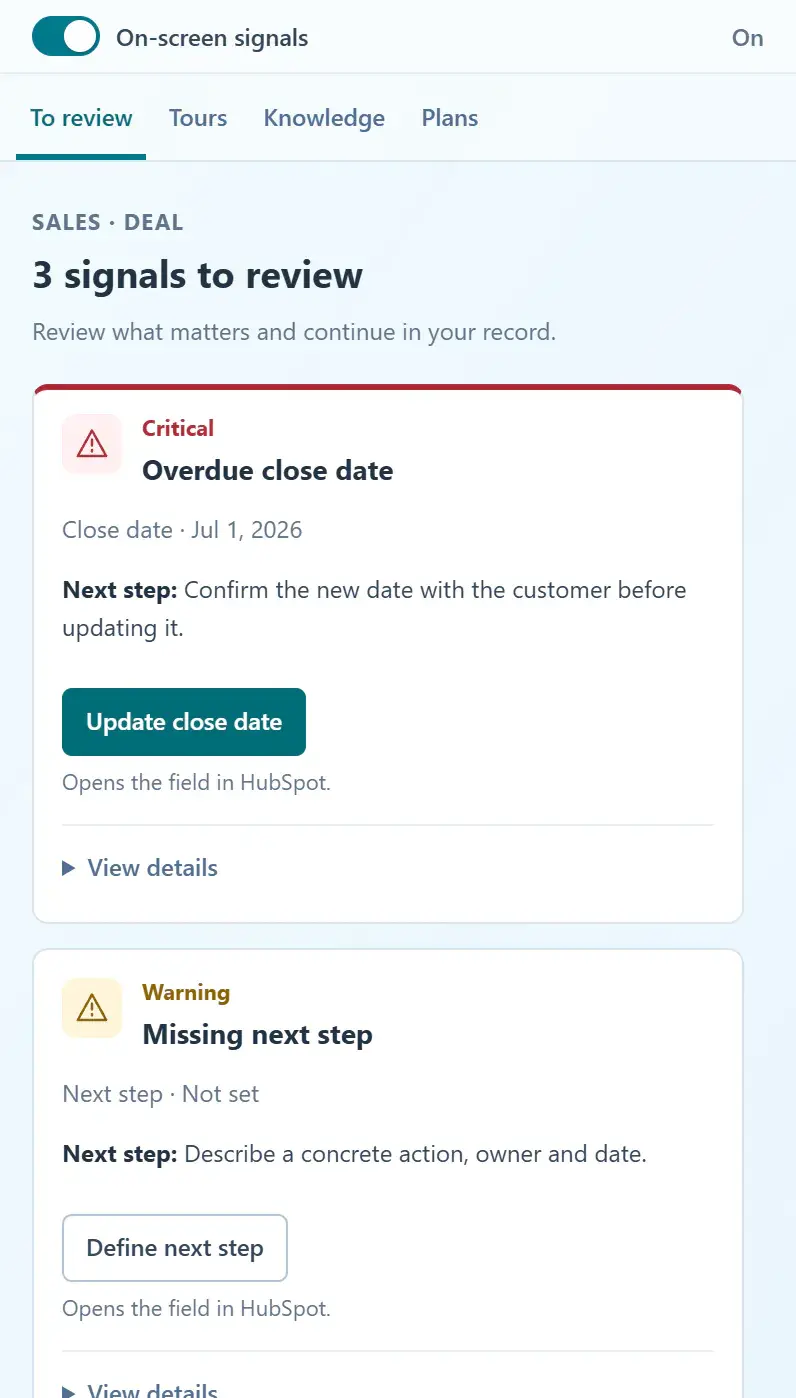
Deals without a next step. Customer handoffs without context. The same questions after every training session. Bring your team’s criteria, instructions and action plans into their daily work in HubSpot.
Create your account, enable portal access and install the Chrome extension.
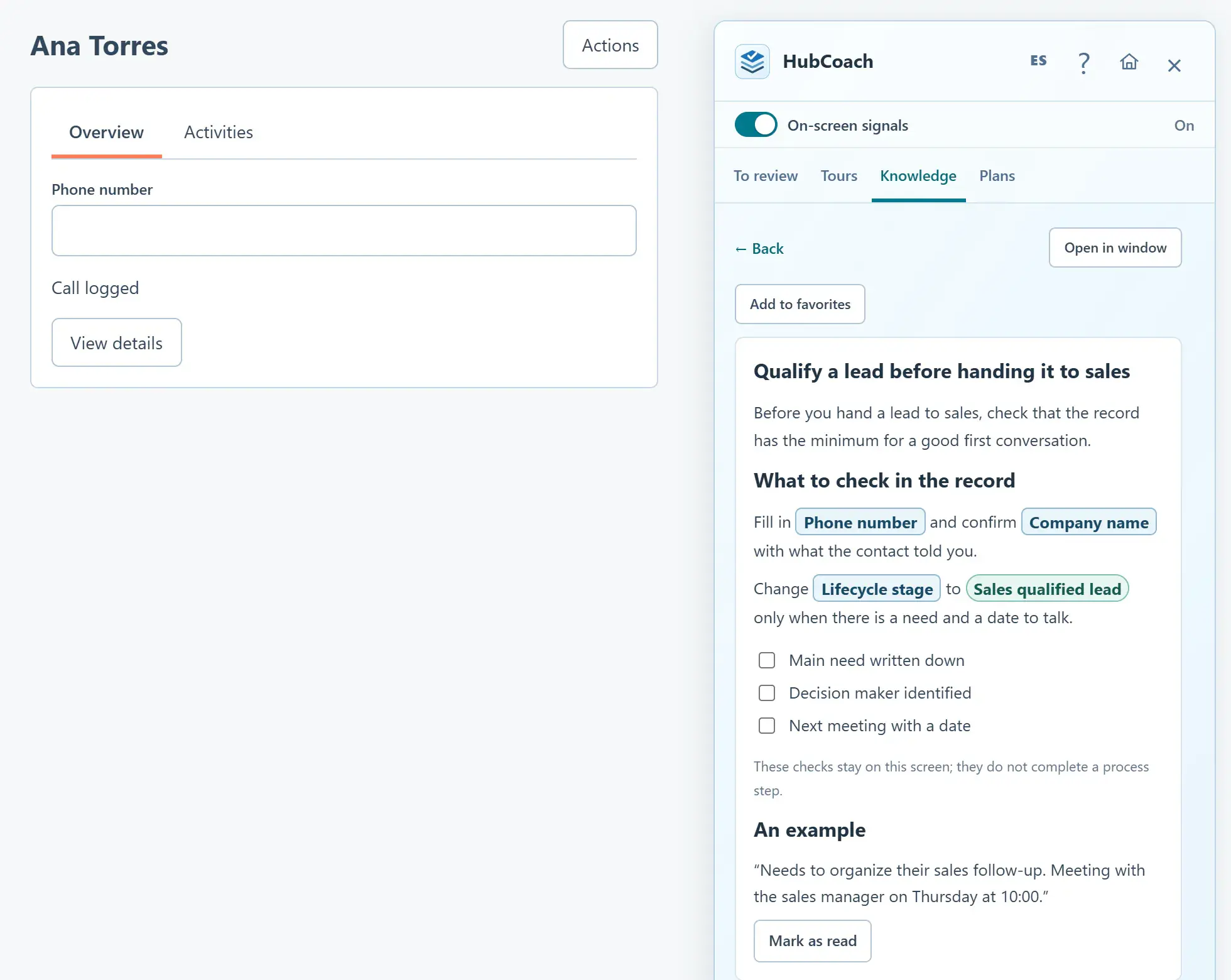
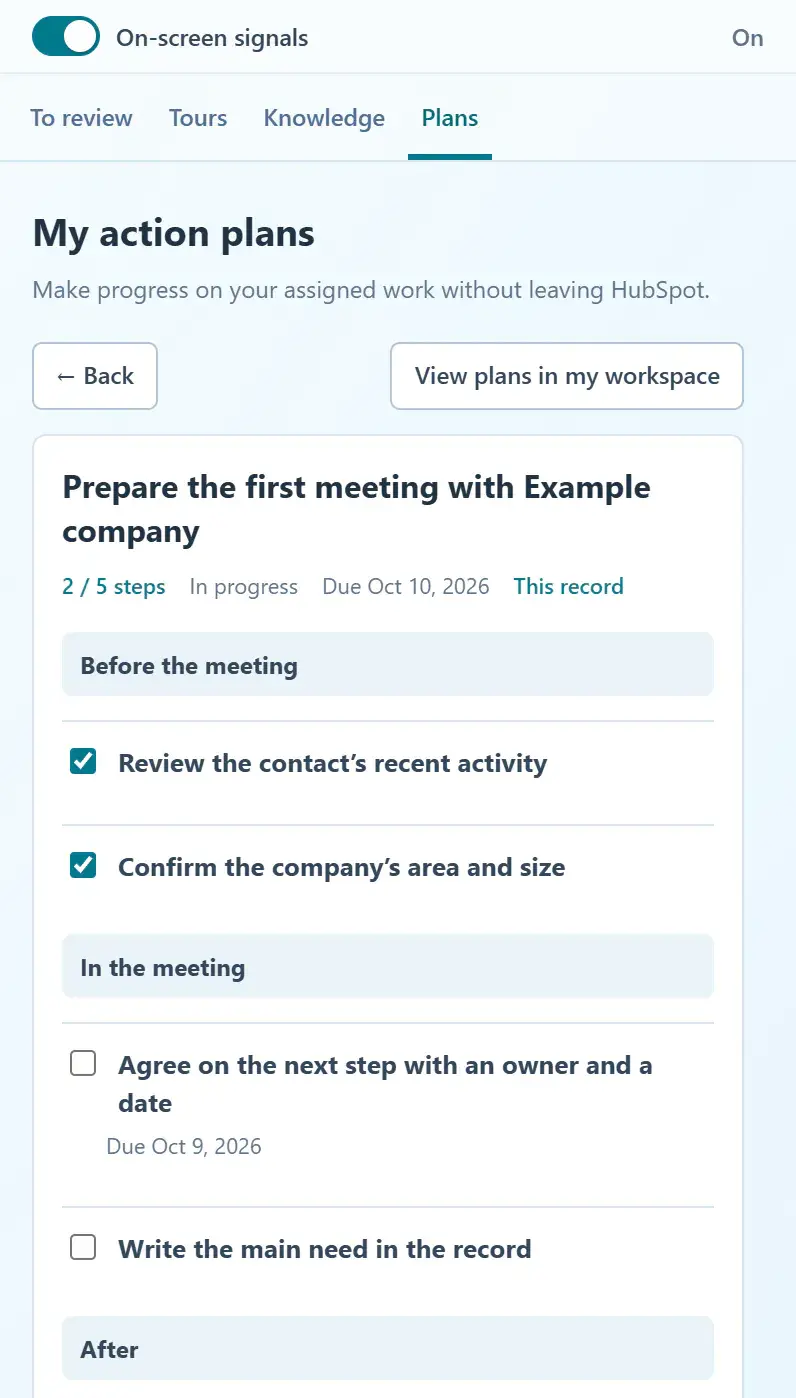
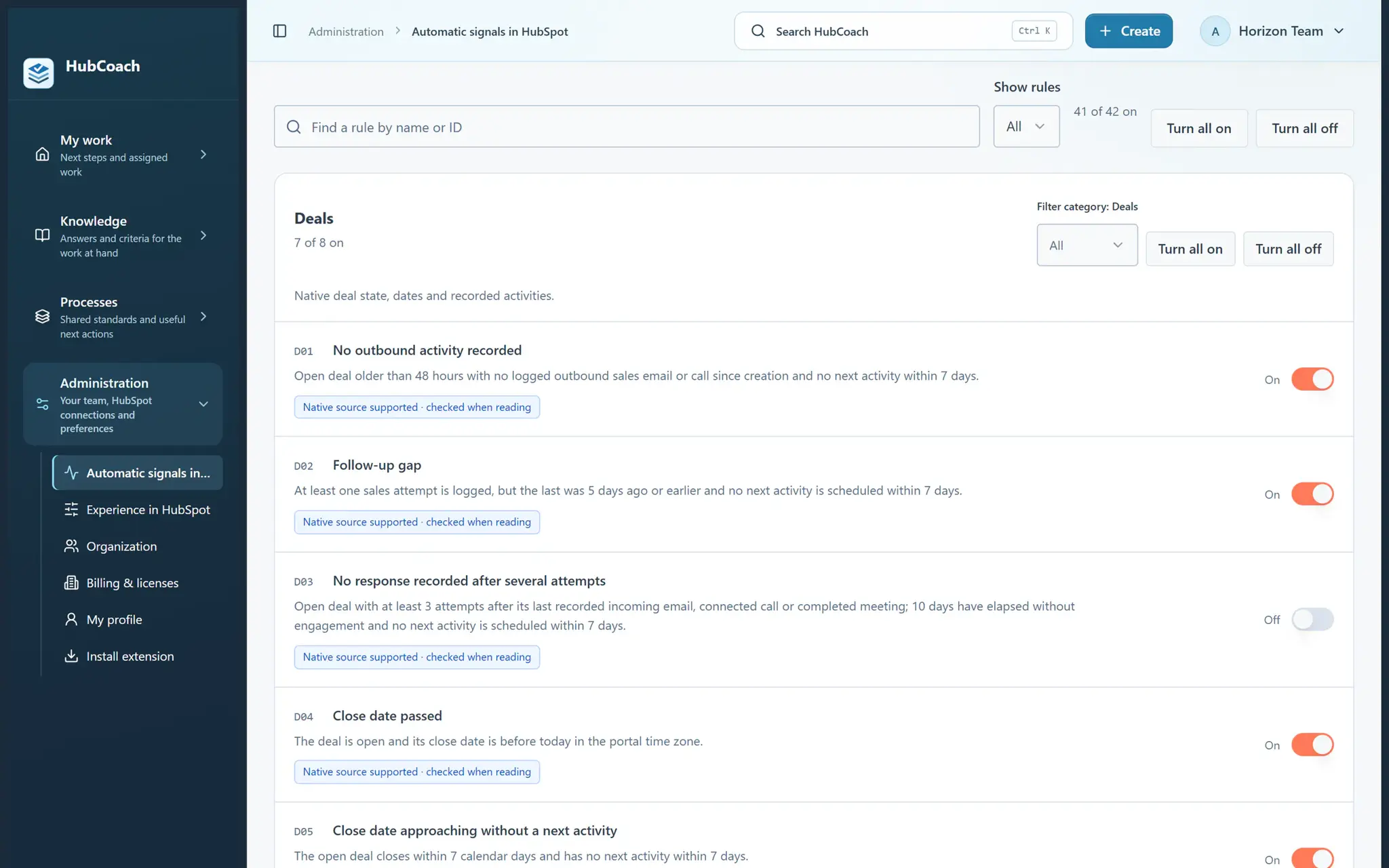
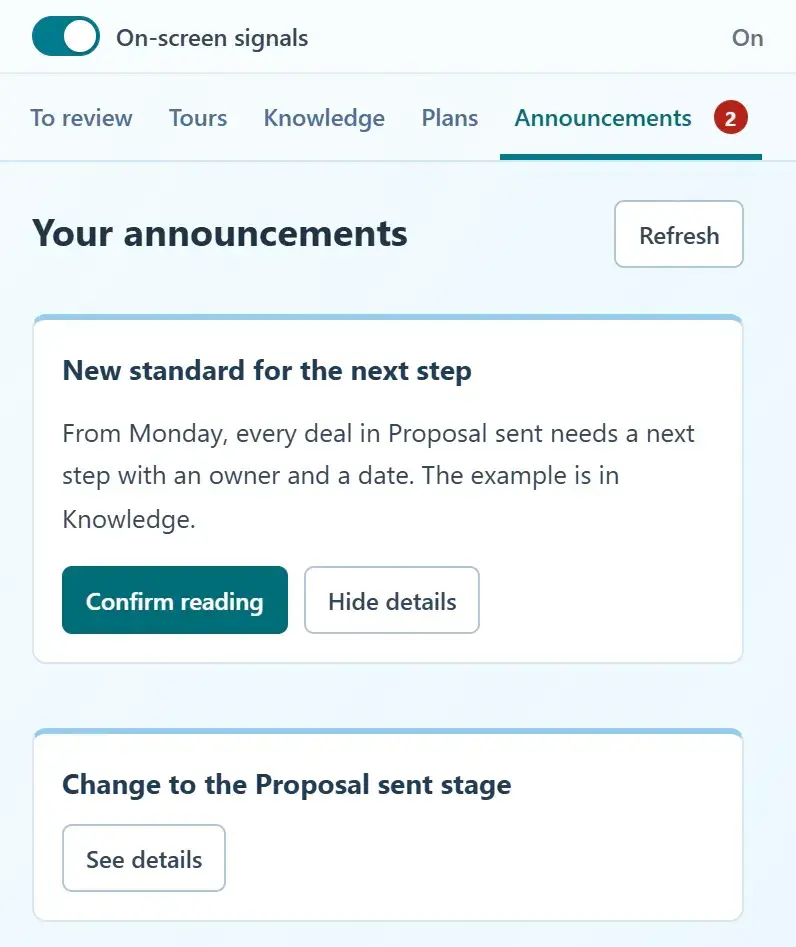
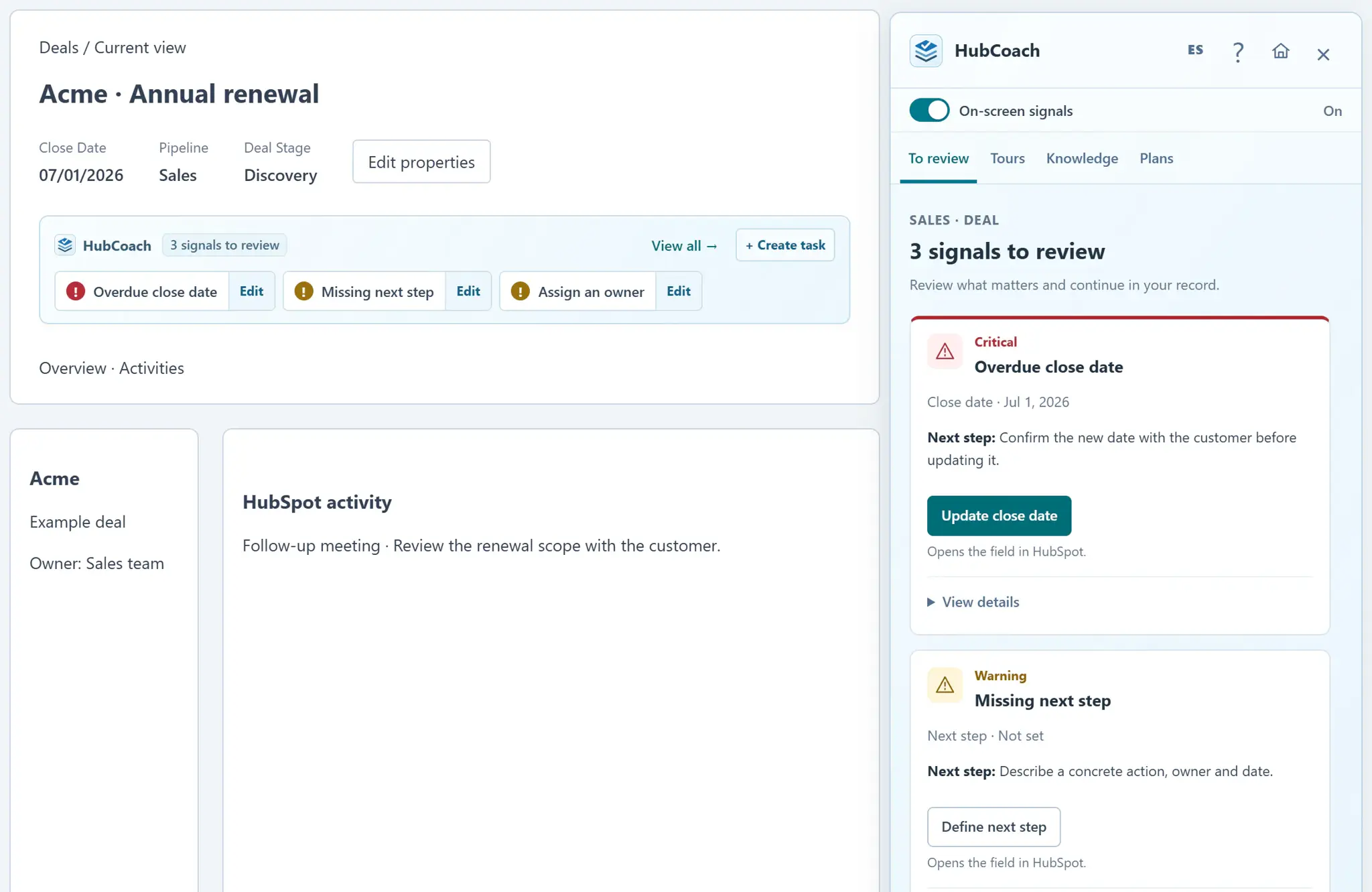
Product screenshots with sample data.
Start with a moment of work: who needs to act, what they need to know and what should happen next.
Commercial follow-up
Give your team a shared standard for next steps, close dates and opportunity reviews in HubSpot.
Explore this use caseSales-to-service handoffs
Define what sales needs to hand over and what service needs to confirm, with guidance and action plans in HubSpot.
Explore this use caseOnboarding and enablement
Turn repeated CRM questions into practical guidance and assigned steps for the moment a person needs to act.
Explore this use caseManager coaching
Prepare a deal, agree on the next step and review the work with your manager using HubCoach guides and assigned plans in HubSpot.
Explore this use caseDefine the practice in the web app. Bring it to the team through the Side Panel in HubSpot.
Choose one moment: qualifying an opportunity, preparing a renewal or handing a customer to service. Define the decision, the owner and the minimum information needed.
Use rules for observable conditions, guides for judgment and action plans for assigned work. Explain the reason and give a concrete next step.
Review available signals, plan progress and friction reports. Compare them with real CRM records before concluding that a behavior has changed.
Prepare the guidance in your workspace. Bring it into the team’s daily work through the Chrome extension.
Organize your criteria and examples in a shared knowledge base. Published guidance is available in the Side Panel when someone needs it.
Product screenshots with sample data.
Make shared criteria visible without answering the same question on every record. Adjust guidance when the team reports an exception.
Review the next action and the handoff standard with your team. Use real records to coach the work that needs attention.
Find what to do, why it matters and how to do it, while working in HubSpot. Report instructions that do not fit your situation.
A repeated question can mean unclear criteria. A missing field can mean duplicate entry or a broken integration. Revenue Hub starts with the process, the people involved and the information they need. HubCoach brings agreed guidance into that work; structural problems still need to be fixed at their source.
Define observable work, review its quality and distinguish activity from sustained CRM adoption.
Read the guideAgree on the trigger, minimum context, receiving owner and acceptance criteria before adding handoff reminders.
Read the guideHelp a person make a real CRM decision with practical examples, feedback and review after training.
Read the guideA practical manager–representative review: one record, a clear criterion, an agreed next step and an exception worth understanding.
Read the guideIt is the team consistently carrying out agreed work in the CRM: recording a useful next action, applying stage criteria and handing over enough context for the next person. Logins and completed training sessions alone do not demonstrate this.
A web workspace for rules, processes, knowledge and assigned action plans, plus a Chrome extension that brings available guidance into HubSpot. Administrators configure access, conditions and audiences for their organization.
HubCoach provides guidance and can open supported native HubSpot controls. The user reviews and saves changes in HubSpot. It does not replace workflows, repair integrations or guarantee that a stage transition is blocked.
No. Content reading and plan completion describe activity in HubCoach. To assess adoption, review actual work in CRM records over time, including its quality and exceptions.
Choose one process, a small audience and an actual record. Review the guidance with the person doing the work, publish when it is ready, and revisit the exceptions. Reading a guide or checking a step does not by itself demonstrate sustained adoption.