ToolsHubSpot Portal Audit
Free initial audit

Turn a messy HubSpot portal into clear priorities

Assess HubSpot health in minutes and turn data, pipeline, workflow, license, and integration issues into a business-ready action plan.

11
automated reviews
~5 min
to get the diagnosis
0–100
Portal Health Score
Revenue Hub Labs
Portal Health
HubSpot Portal Audit
✓ Audit complete
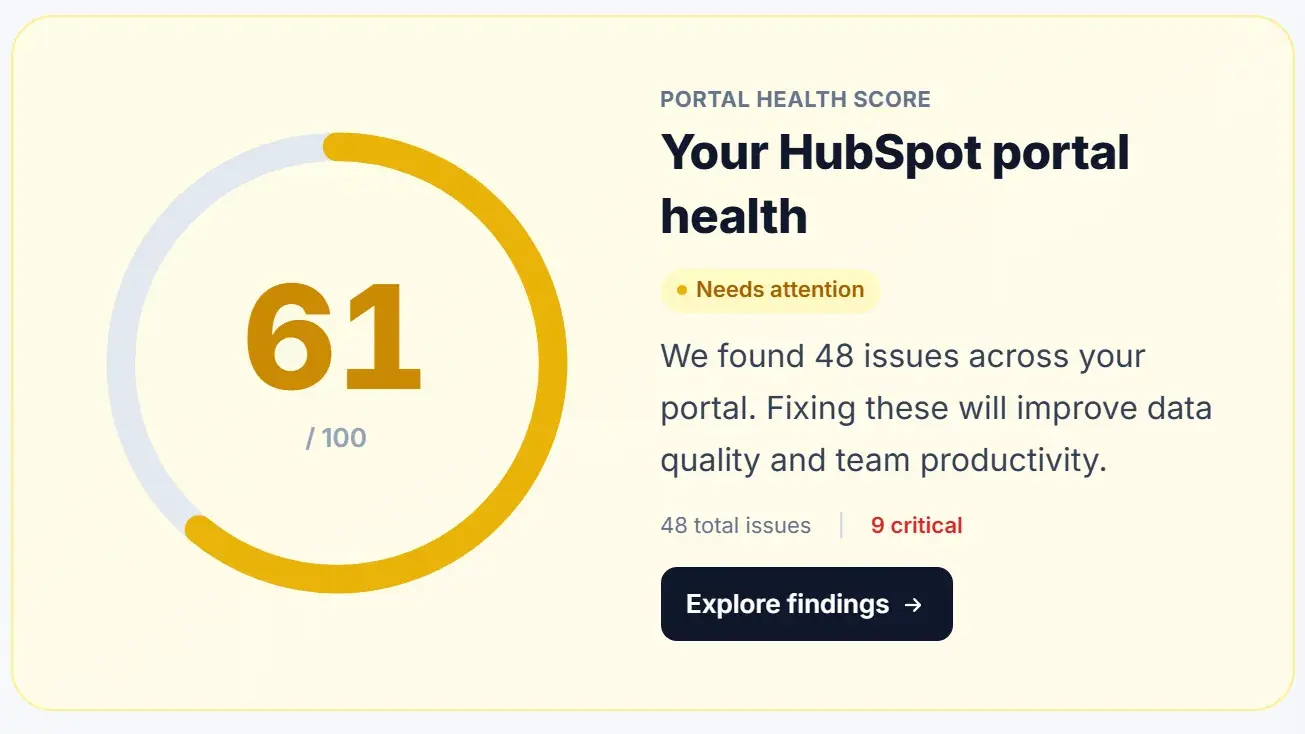
Overall score62 / 100
Data modelNeeds work
Workflows4 risks
Executive reportReady
Prioritized findings and roadmap ready for executive review.
Risk signals

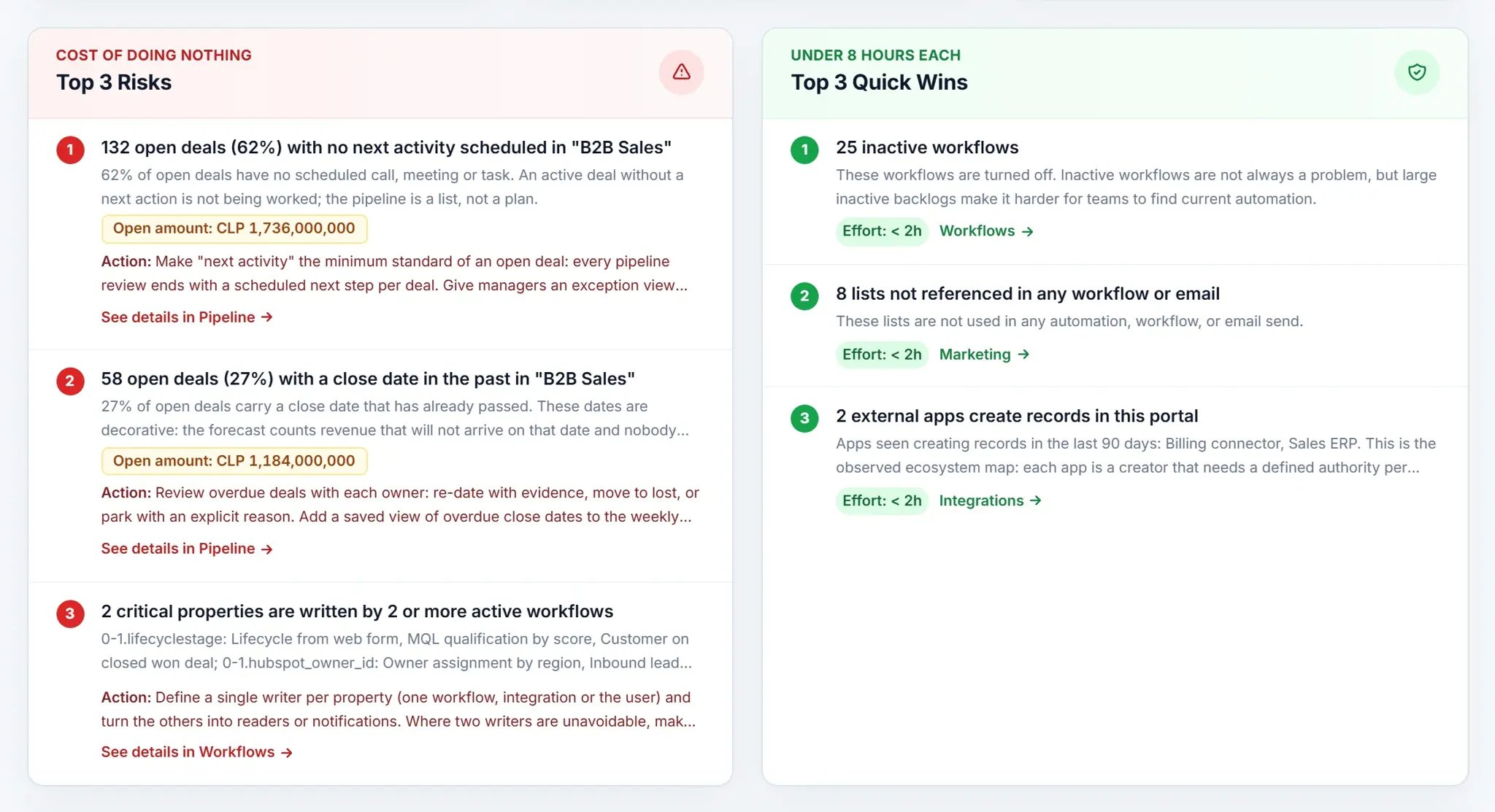
HubSpot can keep running while the operation loses trust

Portal debt grows quietly until it affects forecast, attribution, adoption, or commercial speed.

01

Reports do not reconcile

Leadership verifies numbers outside HubSpot before making decisions.

02

Nobody wants to touch workflows

Automations run without an owner, documentation, or review criteria.

03

Licenses and fields lack control

The portal accumulates users, properties, and objects nobody can justify.

What you get

An executive readout, not another endless technical list

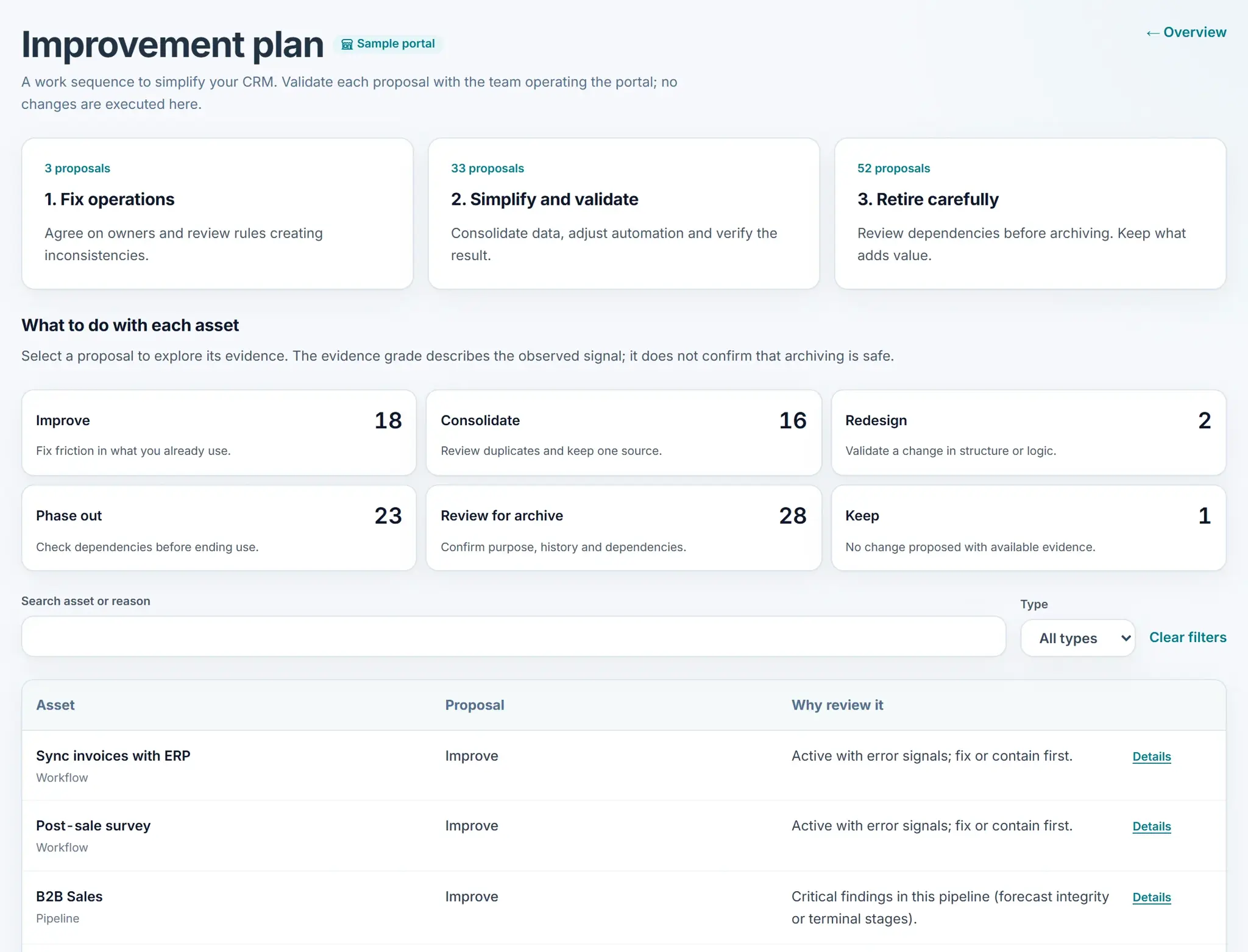
The audit ranks findings by impact and turns the review into concrete decisions.

Comparable score

A baseline to measure portal progress over time.

Severity-based priorities

What to fix now, schedule next, or leave for later.

Leadership-ready report

Insights and exports that align business, RevOps, and technology.

How it works

From read-only access to an actionable roadmap

The audit automates the review without changing portal configuration.

1Step 1

Connect HubSpot

Authorize read-only OAuth access to the portal.

2Step 2

Run the audit

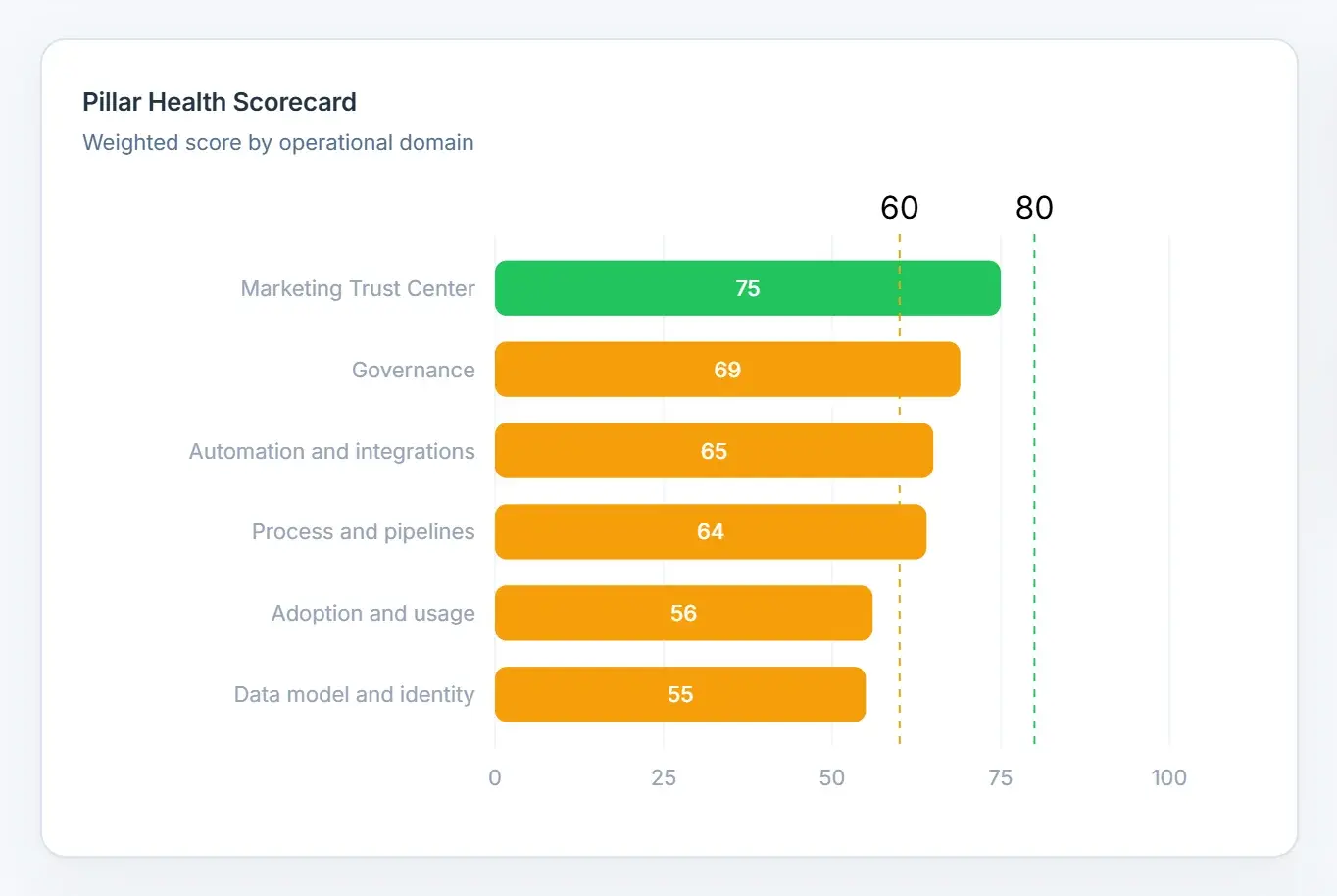
The tool analyzes five pillars and consolidates findings.

3Step 3

Prioritize improvements

Review score, risks, and roadmap with your team or partner.

Coverage

The domains that determine whether HubSpot is trustworthy

The review connects technical configuration to operational impact.

CRM and properties

Duplicate fields, naming, usage, and data quality.

Pipeline

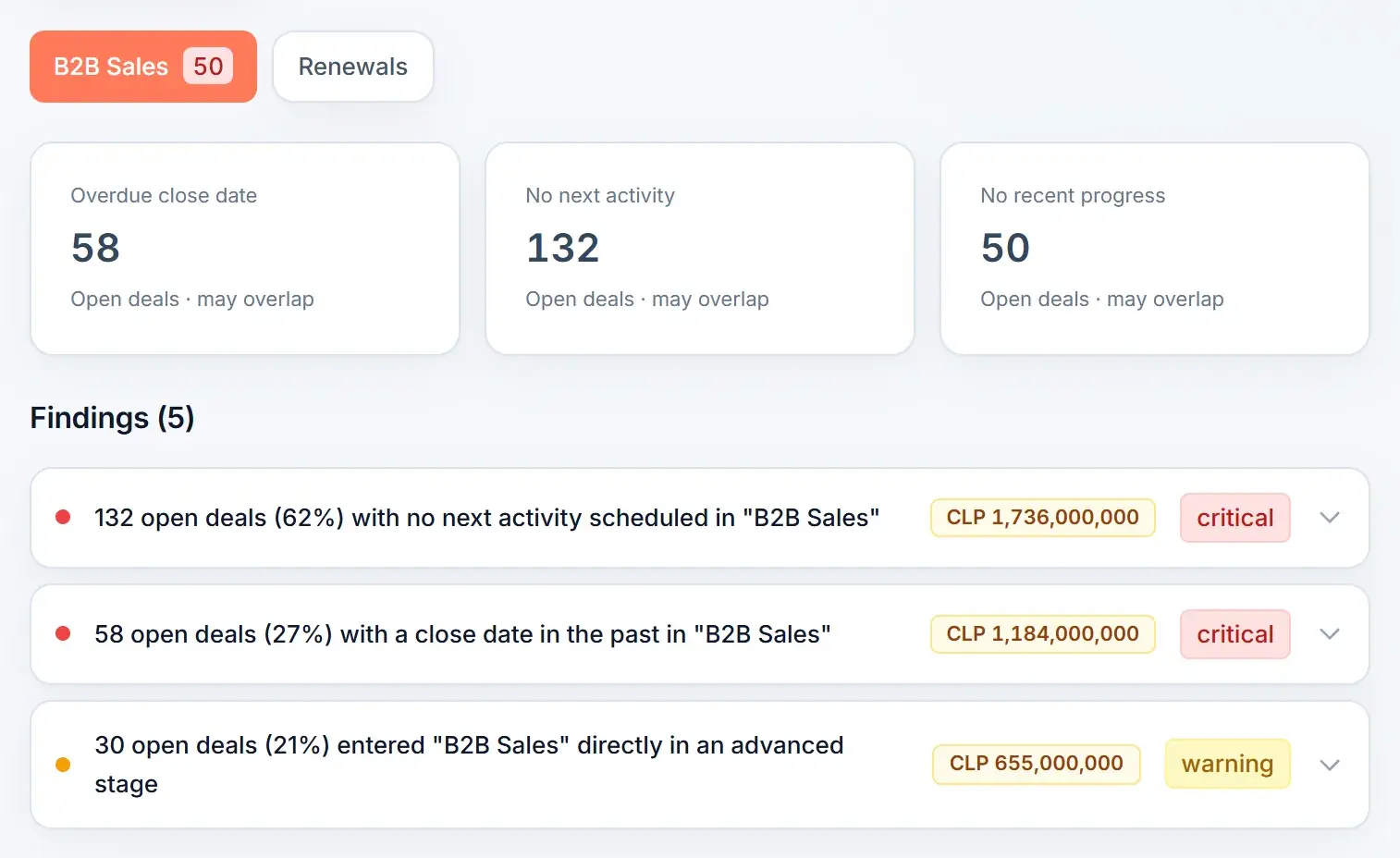
Stages, aging, close logic, forecast, and process consistency.

Workflows

Broken, redundant, risky, or unused automations.

Users and licenses

Access, utilization, and optimization opportunities.

Integrations

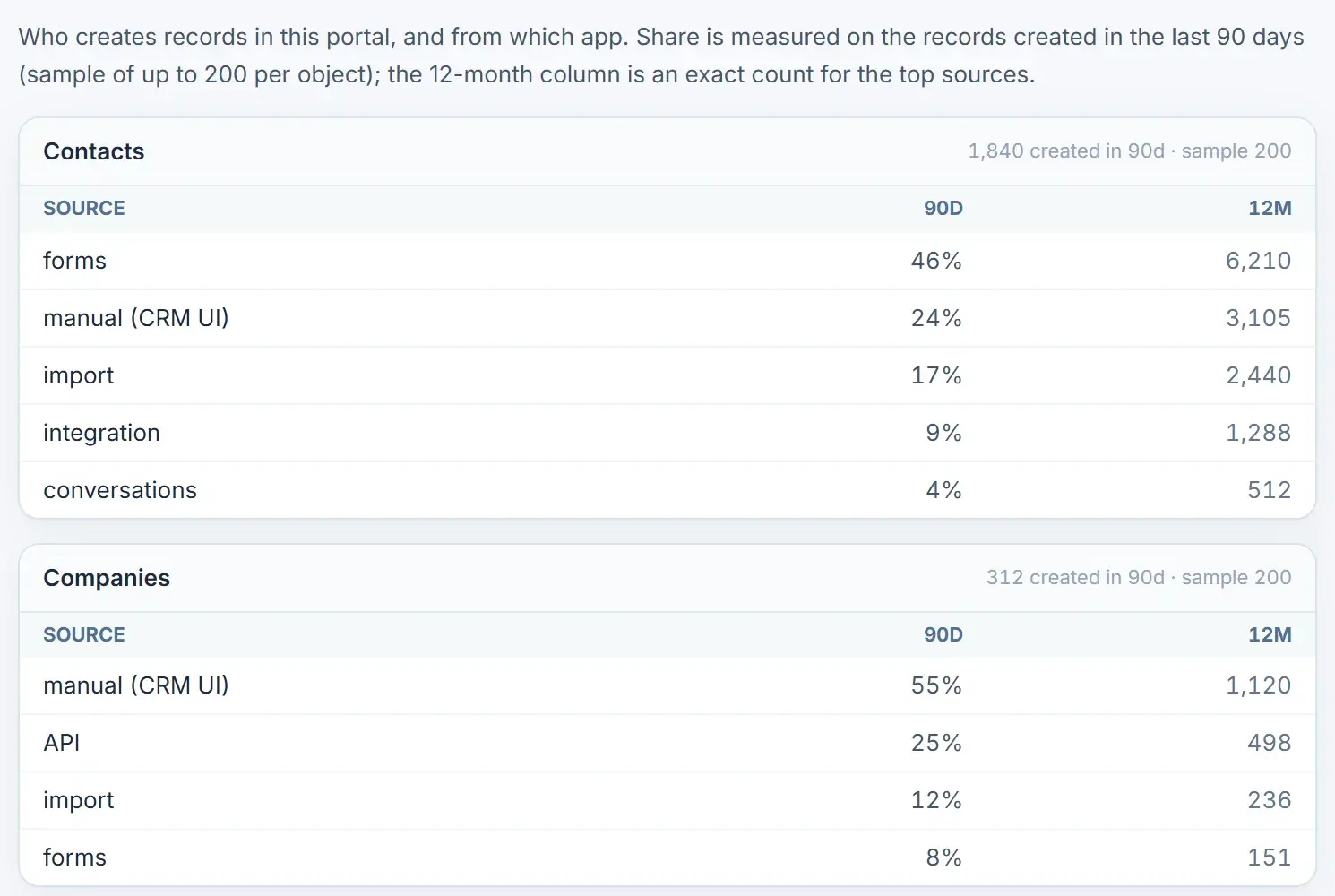
Connected apps, permissions, security, and dependencies.

Adoption and governance

Usage signals and controls needed to sustain the portal.

When to use it

For leaders who need one shared truth about the portal

Especially useful before rebuilding, changing partners, or assuming everything is fine.

The connection is read-only: the audit does not modify properties, workflows, contacts, or portal configuration.

CRO and sales leadership

Need confidence in forecast, pipeline, and reporting.

RevOps leaders

Prioritize operational debt with comparable evidence.

Agencies and partners

Receive a portal and need to size the scope quickly.

Finance teams

Want to understand license use and investment risk.

FAQ

HubSpot Portal Audit frequently asked questions

Is the Portal Audit safe to run on my HubSpot account?

Yes. Read-only OAuth scopes by default; it only reads properties, records, workflows, and settings; tokens are encrypted and never stored in plain text; and any write action requires your explicit confirmation.

How long does a full portal audit take?

Most portals finish in about 5 minutes; the engine runs 11 sub-audits then consolidates one executive report; portals with more than 100,000 records take a little longer.

How much does it cost?

The CRM and Data Model audit is free with no credit card; the full Portal Audit is a one-time 490 USD per portal; re-audits are 200 USD per portal.

What access does it need?

Read-only access to contacts, companies, deals, tickets, properties, pipelines, workflows, forms, emails, lists, users, and conversations, via OAuth or a Private App token.

What do I get in the final report?

A Portal Health Score, an executive PowerPoint deck, a full PDF, and a detailed Excel workbook, plus a live dashboard with all 5 pillars and AI insights.

Can I audit multiple HubSpot portals?

Yes; connect as many portals as you need and switch between them; each one keeps its own audit history. Ideal for agencies.

Will it change or delete my data?

No. The audit itself is read-only; the included action tools only run on changes you explicitly confirm.

What exactly does it check?

11 sub-audits across 5 pillars: properties, data quality, conversations, lifecycle, pipelines, workflows, marketing emails and lists, users and permissions, and integrations and security.

Understand what is failing before rebuilding HubSpot

Get an initial diagnosis and an objective basis for the next decision.

Read-only OAuth · Prioritized findings · Executive exports

HubSpot Portal Audit — 11 Audits, 5 Pillars, One Score