

What are the steps?
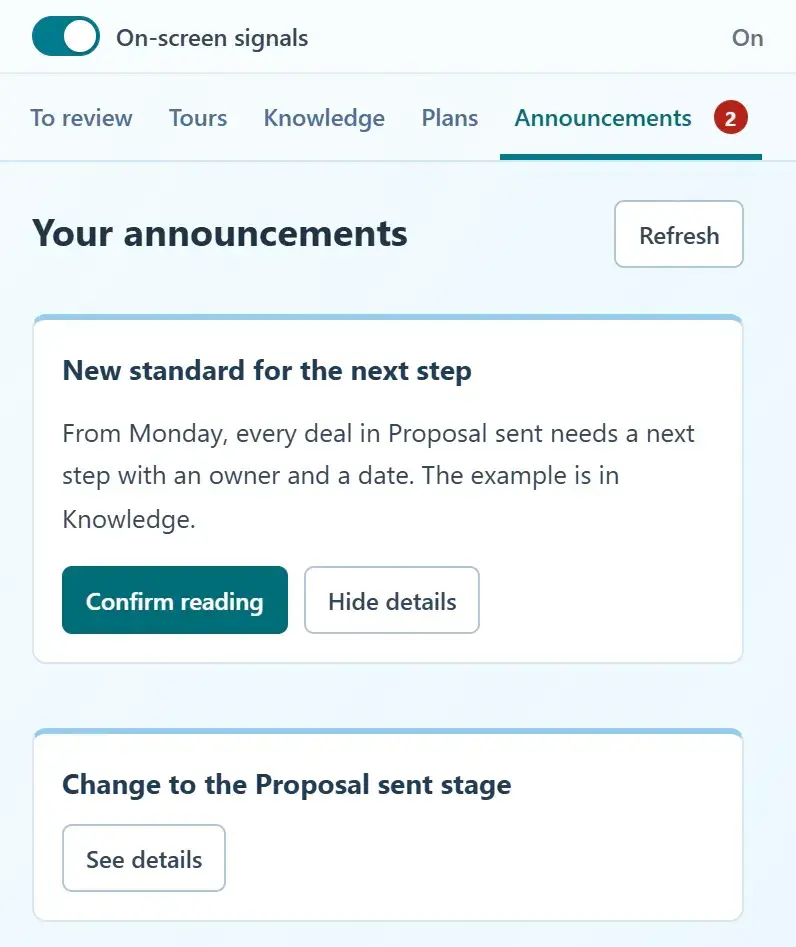
- Read your pending announcements in Home or the HubSpot extension. In the Side Panel, Announcements appears only when you have active deliveries, with a red count; a + means a partial feed. Open the details before choosing Confirm reading. Confirming the last delivery hides the tab.
- To publish an update as an administrator, use Create → An announcement to prepare and publish its content in Knowledge base.
- Open Knowledge → Announcements, start a new delivery and select that content and its recipients. Add a schedule or HubSpot context only if needed.
- Preview and publish. Return to the saved delivery to update it or pause it when the update is no longer useful.
What does it look like in practice?
- Example
Show a new handoff checklist to the service team during its rollout week.