

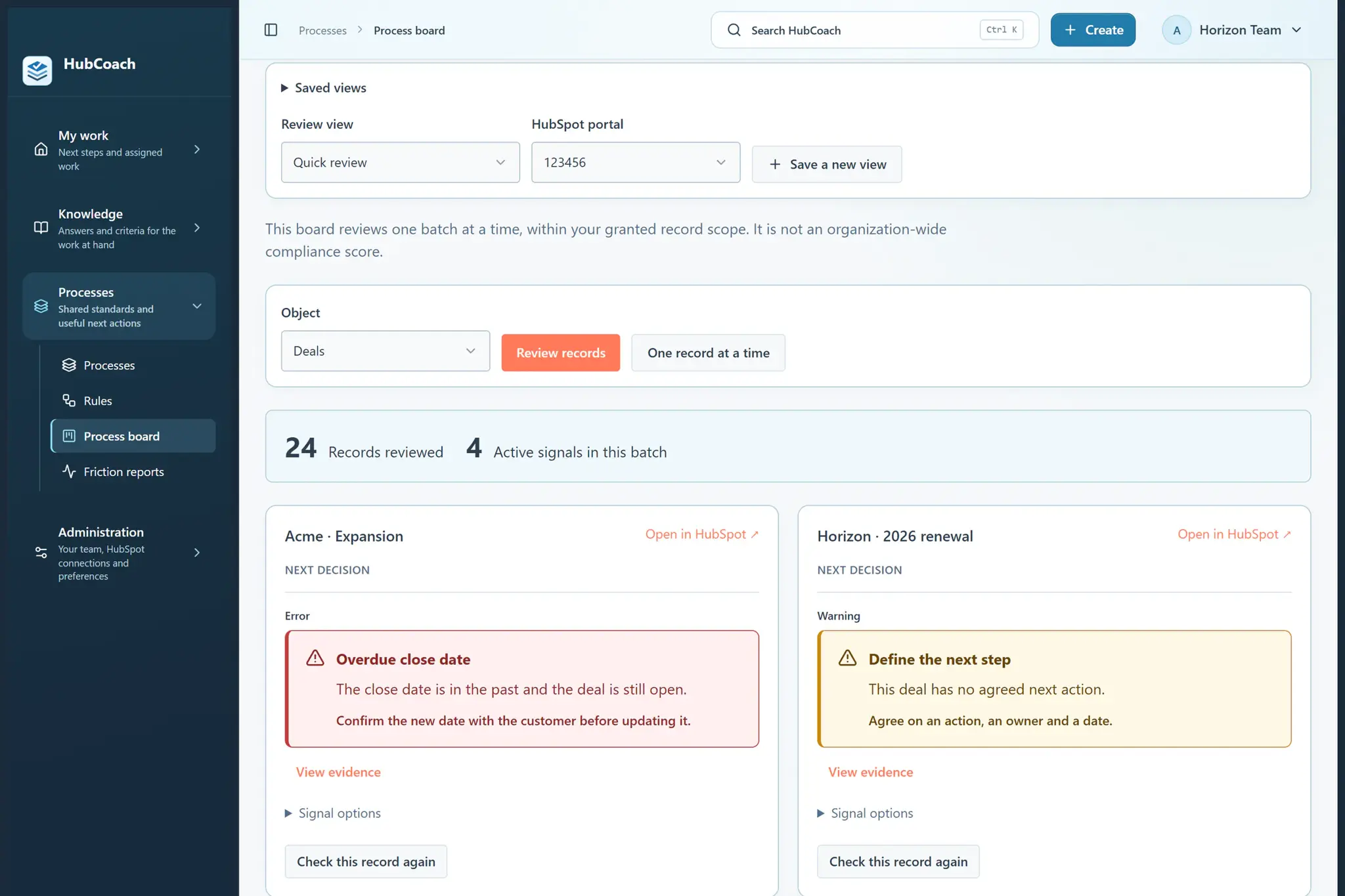
What are the steps?
- Open a contact, company, deal or ticket in HubSpot with HubCoach connected.
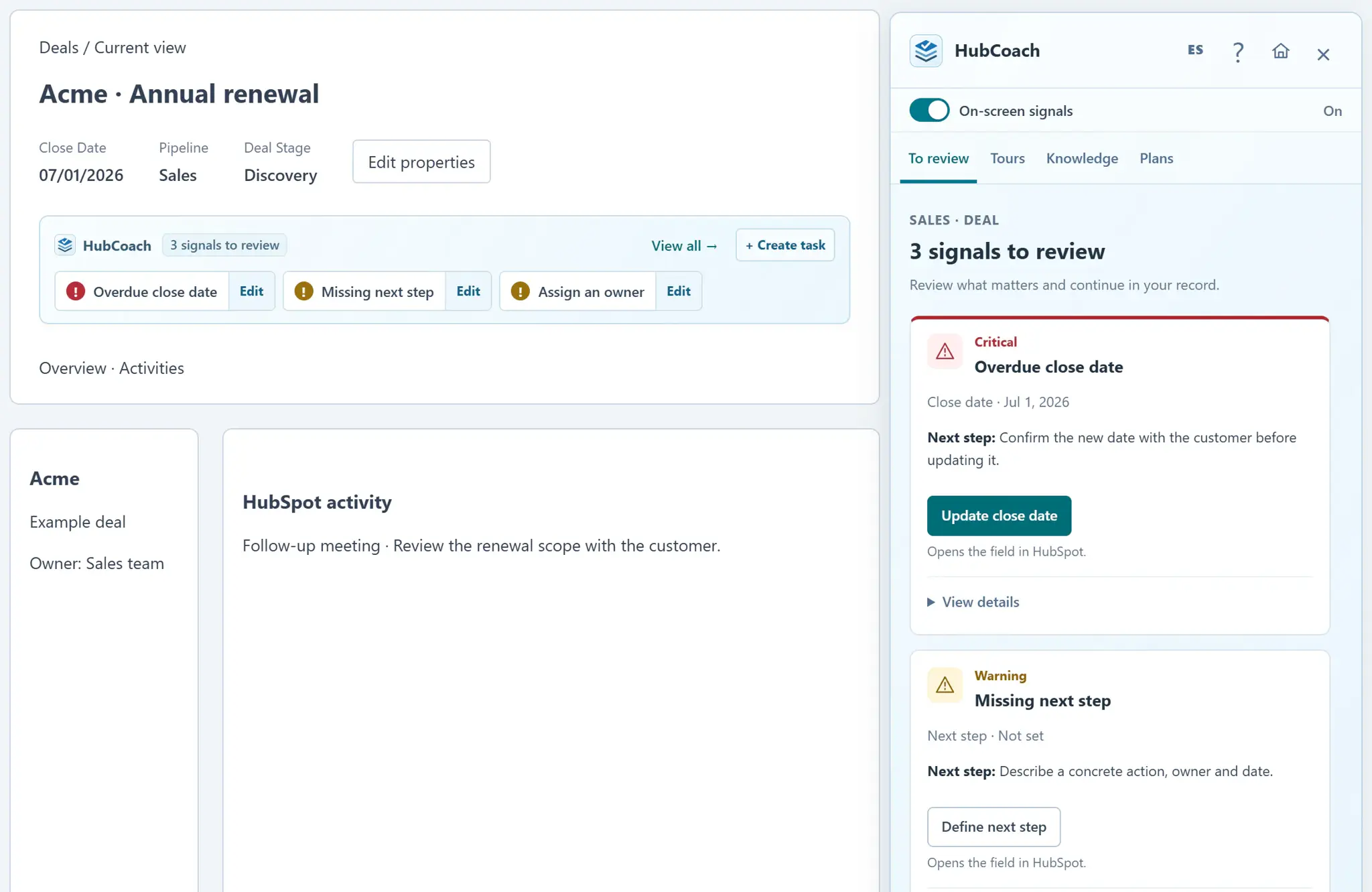
- Read the signals in the blue strip. Select one to see why it appeared, or open the Side Panel to review the record’s guidance.
- Use the action offered by the warning. A property action opens its editor; a task action opens the task composer. Review and save your change in HubSpot.
- Read the short next step on the signal card. Use How to do it to open the first related published guide; open View details for the complete explanation and evidence. Team communications stay in Announcements, separate from record signals. Use the process board to find other records that need attention.
What does it look like in practice?
- Example
A deal has an overdue close date. Open the date action, agree on the new date with your customer and save it in HubSpot.
What should you keep in mind?
In what order should you review the notices?
- Critical firstOverdue dates and SLAs about to expire: they affect the customer or the forecast today.
- Then what someone else is waiting forA missing owner or a pending handoff holds up another person.
- Last, what can waitPostpone with judgment and come back to the record when you have the information.