

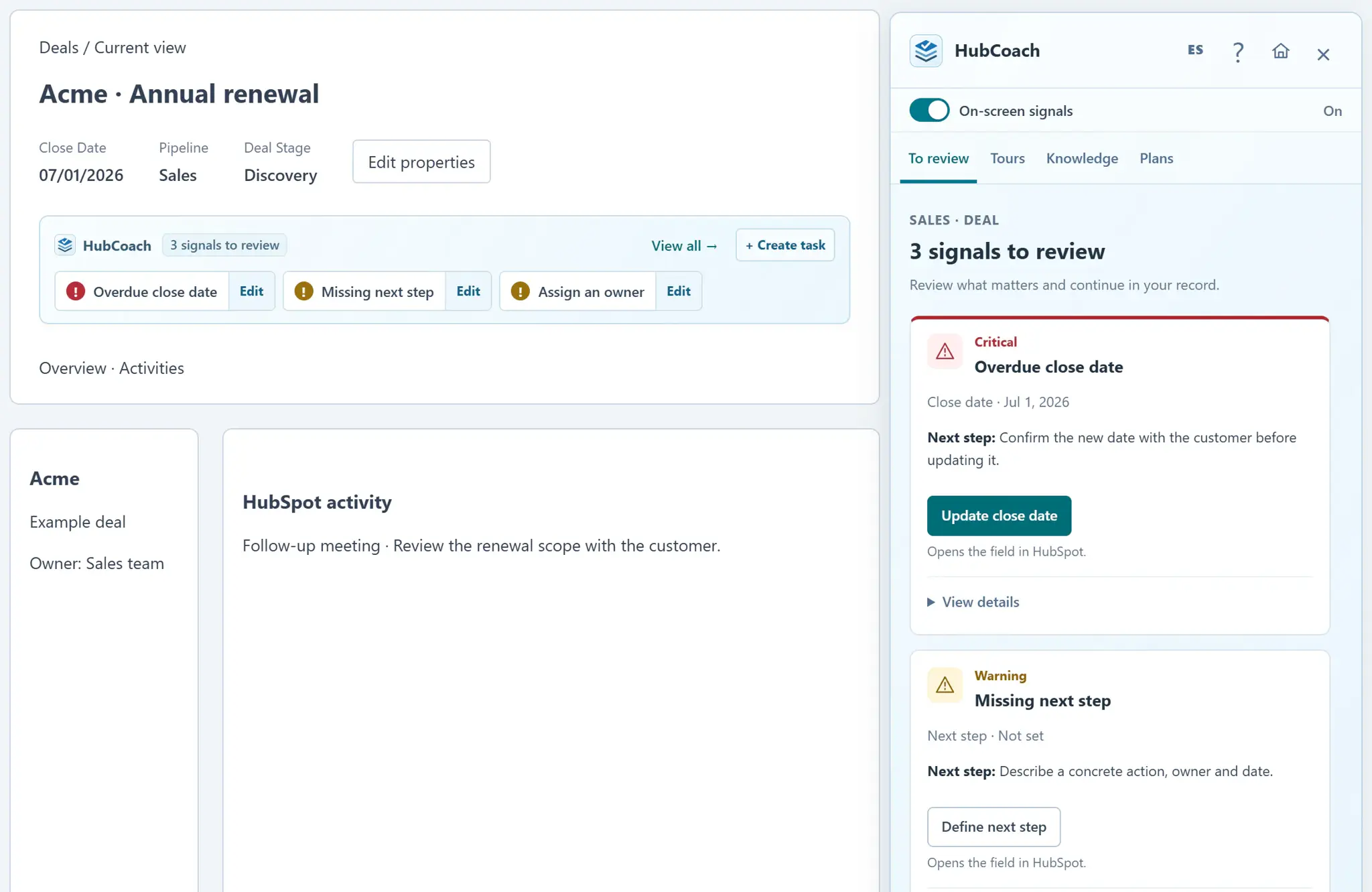
What are the steps?
- Check whether the deal is open according to its native closed-stage flag.
- D04 evaluates the close date against today in the portal’s time zone. Unknown stage, date or time zone produces no signal.
- Hover or focus the verified close date field to read its explanation.
- Open the native editor, agree a realistic date and save in HubSpot.
- Wait for a fresh evaluation. Updating the date or closing the deal clears the signal.
What does it look like in practice?
- Example
Yesterday’s close date on an open deal is overdue, including an open stage configured with 0% probability.
What should you keep in mind?
What should you check before changing the date?
- The last real conversation with the customer. What was said, not just when.
- Whether there is an agreed next step. Without it, the new date has nothing behind it.
- Whether the deal is still alive. Sometimes the honest move is to close it as lost, with its reason.