

What are the steps?
- Open an authorized record in HubSpot, then open the Side Panel and choose Review.
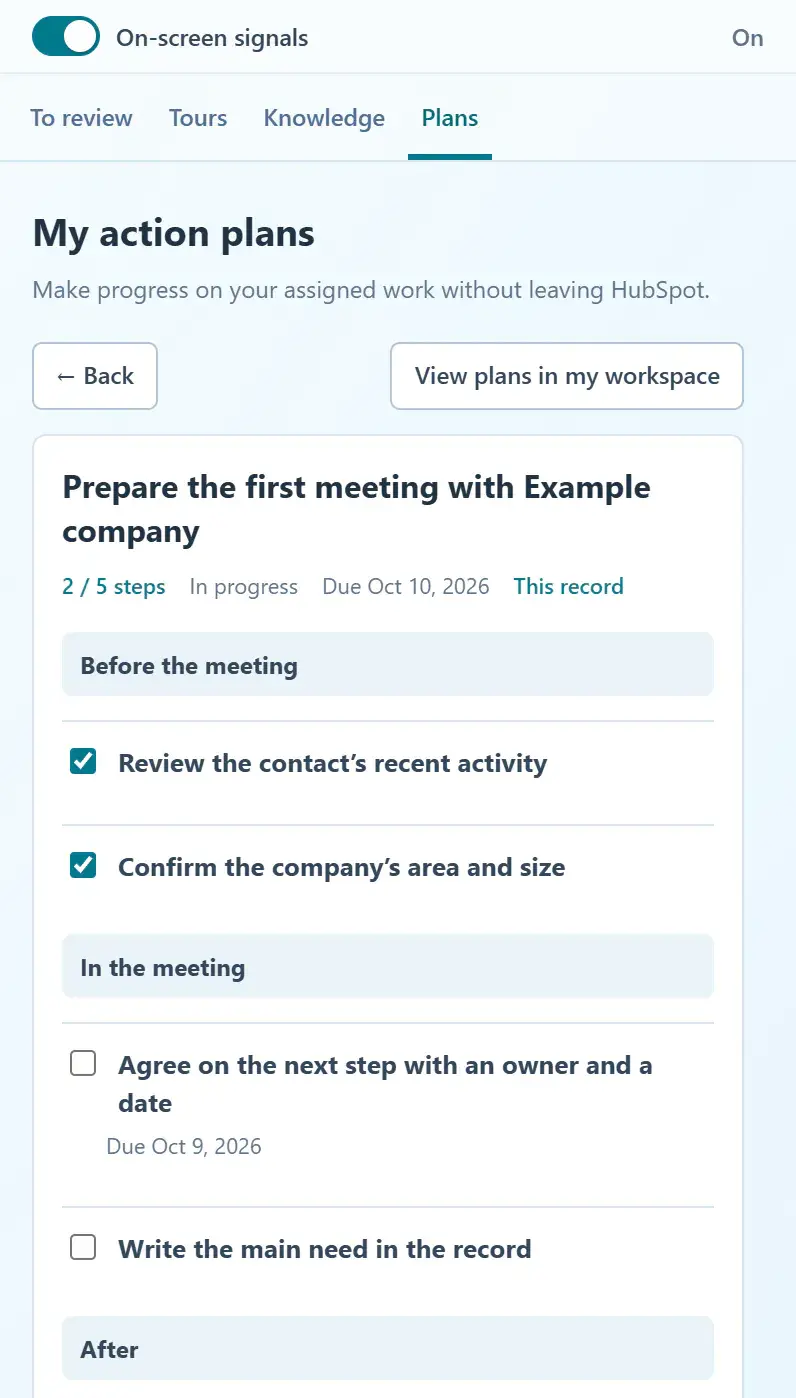
- Your plans for this record shows up to two active plans assigned to you. Review the next pending step and its due date, when one is defined.
- Choose Continue to open the plan, or See plans to open the list filtered to this record.
- Use Only this record in Plans to switch between the current record and your other work.
- After making progress, return to Review to refresh the summary. Use Refresh if loading failed.
What does it look like in practice?
- Example
While reviewing a proposal, open your assigned preparation plan and confirm the customer decision still missing before your manager review.