

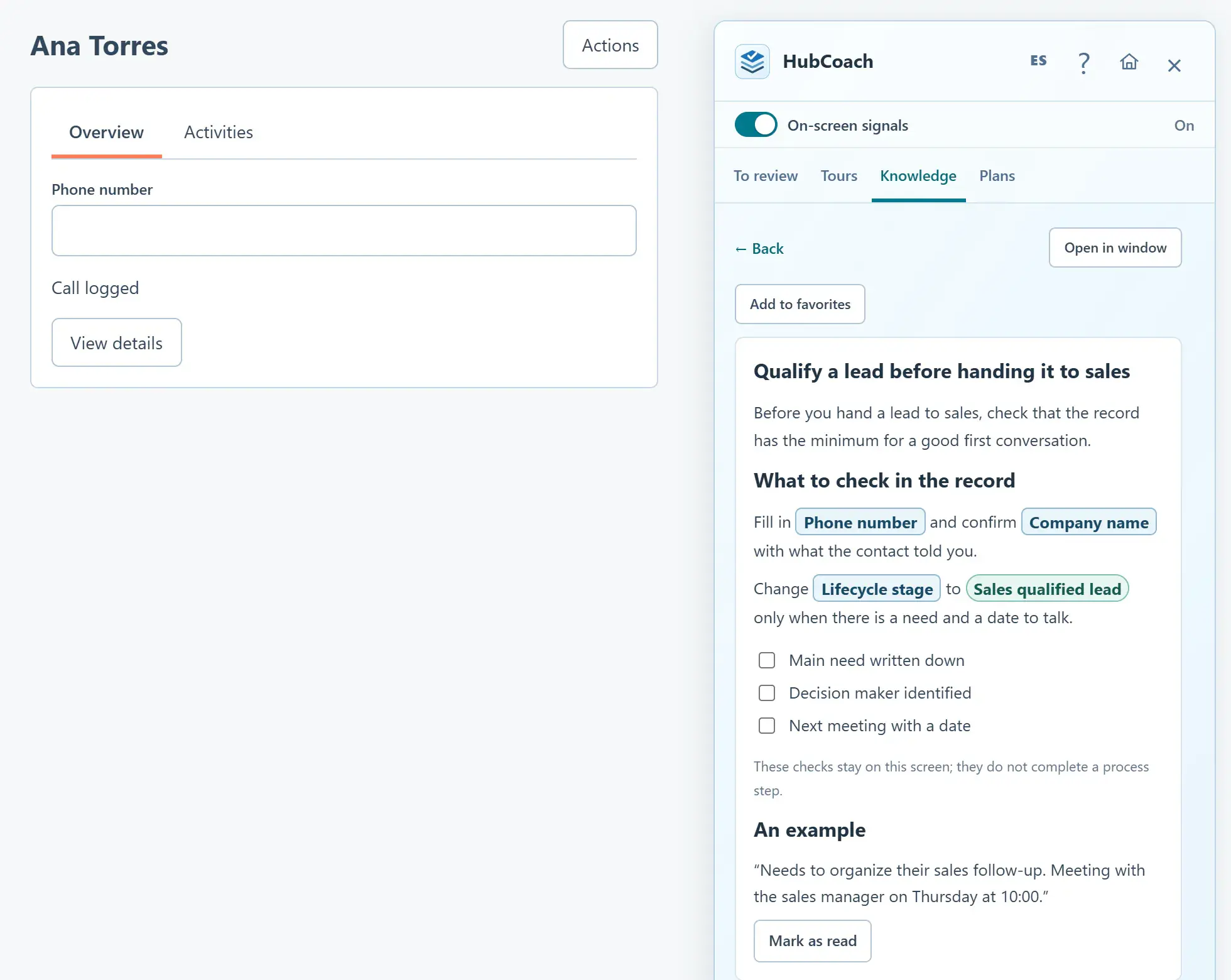
What are the steps?
- Open an authorized ticket in HubSpot and open the Side Panel.
- Choose Knowledge. Suggested for this ticket appears above the library.
- Review the matching words under each article. They come from the ticket subject and description, not its full conversation.
- Select an article to read it. Confirm that its instructions fit the customer’s situation.
- Use Refresh suggestions after updating the ticket, or search the library if the results are not useful. In the web app, ticket evidence in the Board shows the same suggestions.
What does it look like in practice?
- Example
A ticket about duplicate billing can suggest your published billing review guide.