

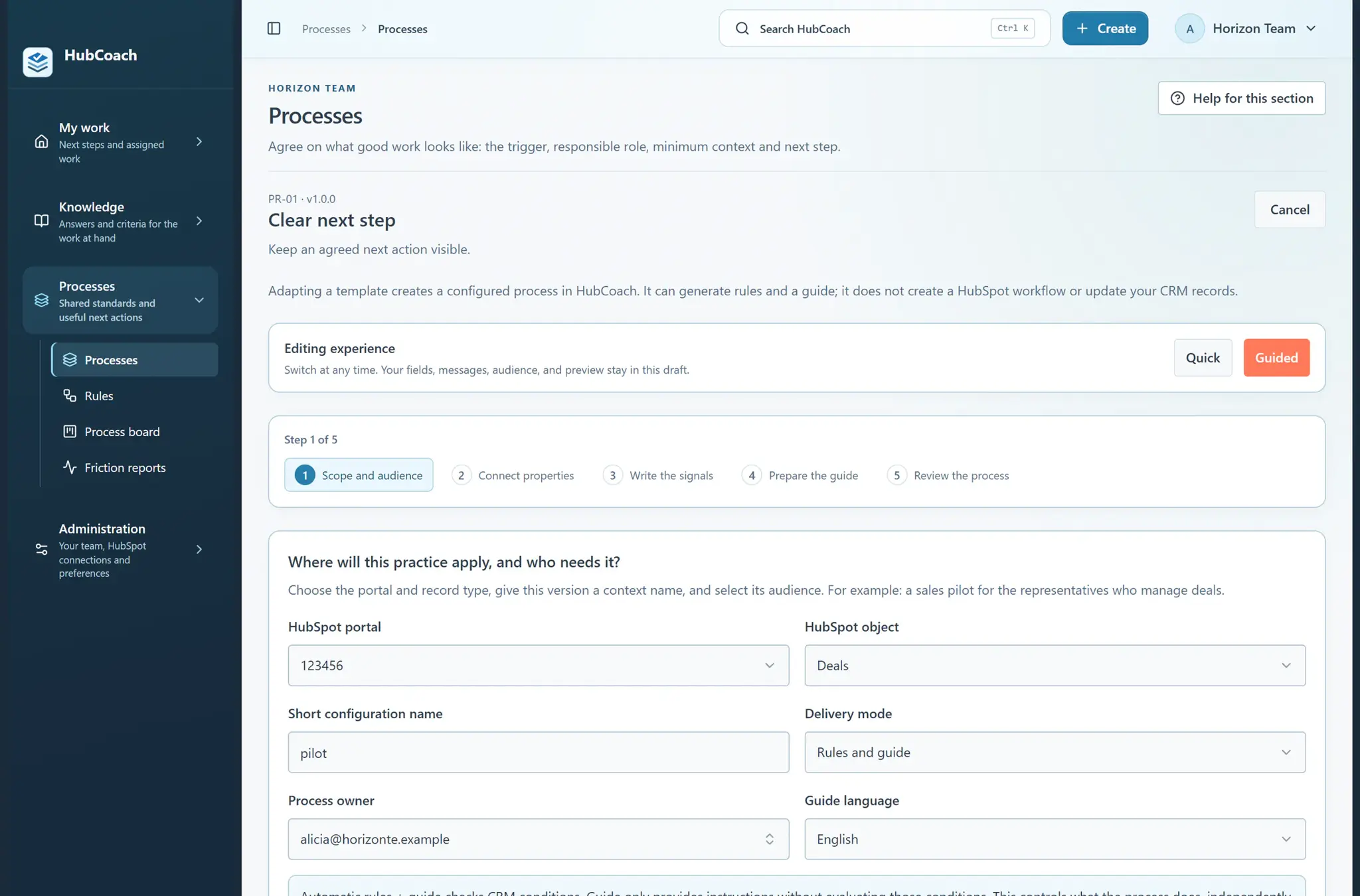
What are the steps?
- Choose the Processes area, then its Processes section, to see what is already installed. As an administrator, use New process or Create → A process to create your own; you can also start from a process template.
- Choose Guided or Quick mode. Give the process a recognizable name and explain what it helps the team accomplish.
- Choose where it applies and who should see it. Define what to check, or use guidance only if the practice needs instructions without automatic warnings.
- Write the messages and the guide. Break longer work into short steps and add useful images or video links.
- Review the preview, the checks and the selected people. Publish when you are happy with the result; return to Processes to edit or pause it later.
What does it look like in practice?
- Example
“Prepare a proposal” can bring together the information to review and a short guide for agreeing on the next decision with the customer.
What should you keep in mind?
When does a process fit better than a rule?
- A process fits
“Prepare a renewal”: review usage, confirm the meeting and leave a guide with the expected decision.
- A rule is enough
“The deal has no owner”: one condition and one notice.