

What are the steps?
- Publish the article you want people to read, then open Contextual help and create a new item.
- Enter the label or phrase as it appears in HubSpot, and select the published article.
- Start with an exact match. Expand the advanced options only if you need another matching style, a record type or URL limits.
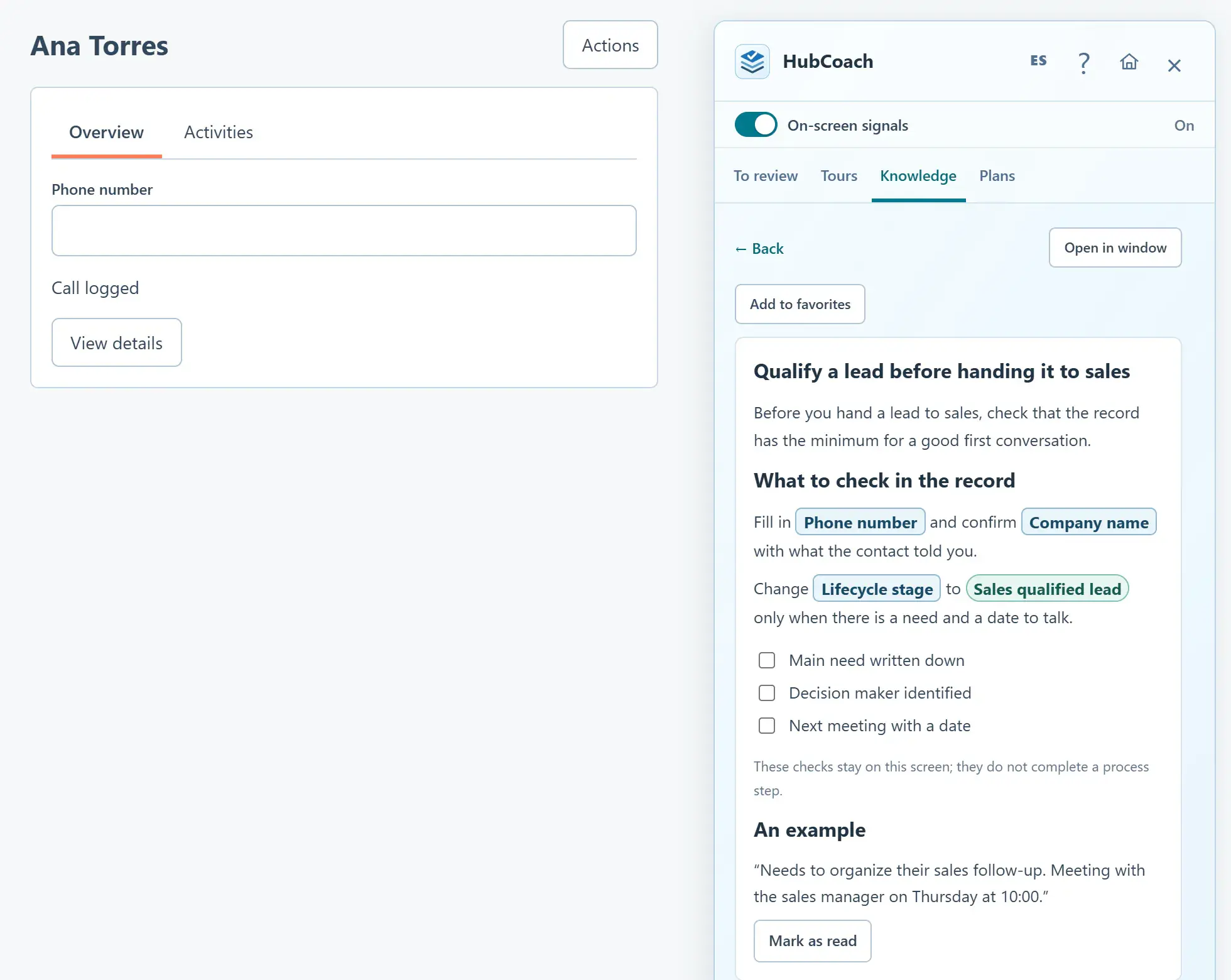
- Preview the chosen article, save and open a matching HubSpot record. Select the small help icon to read it in the Side Panel.
What does it look like in practice?
- Example
Match “Next step” and open “A useful next step” beside that field, without adding another warning.