

What are the steps?
- Open Action plans and choose your own plans or, as an administrator, team plans.
- Search by title or expand filters to choose a person, portal, source template or target dates. Use Tracking table to compare next steps.
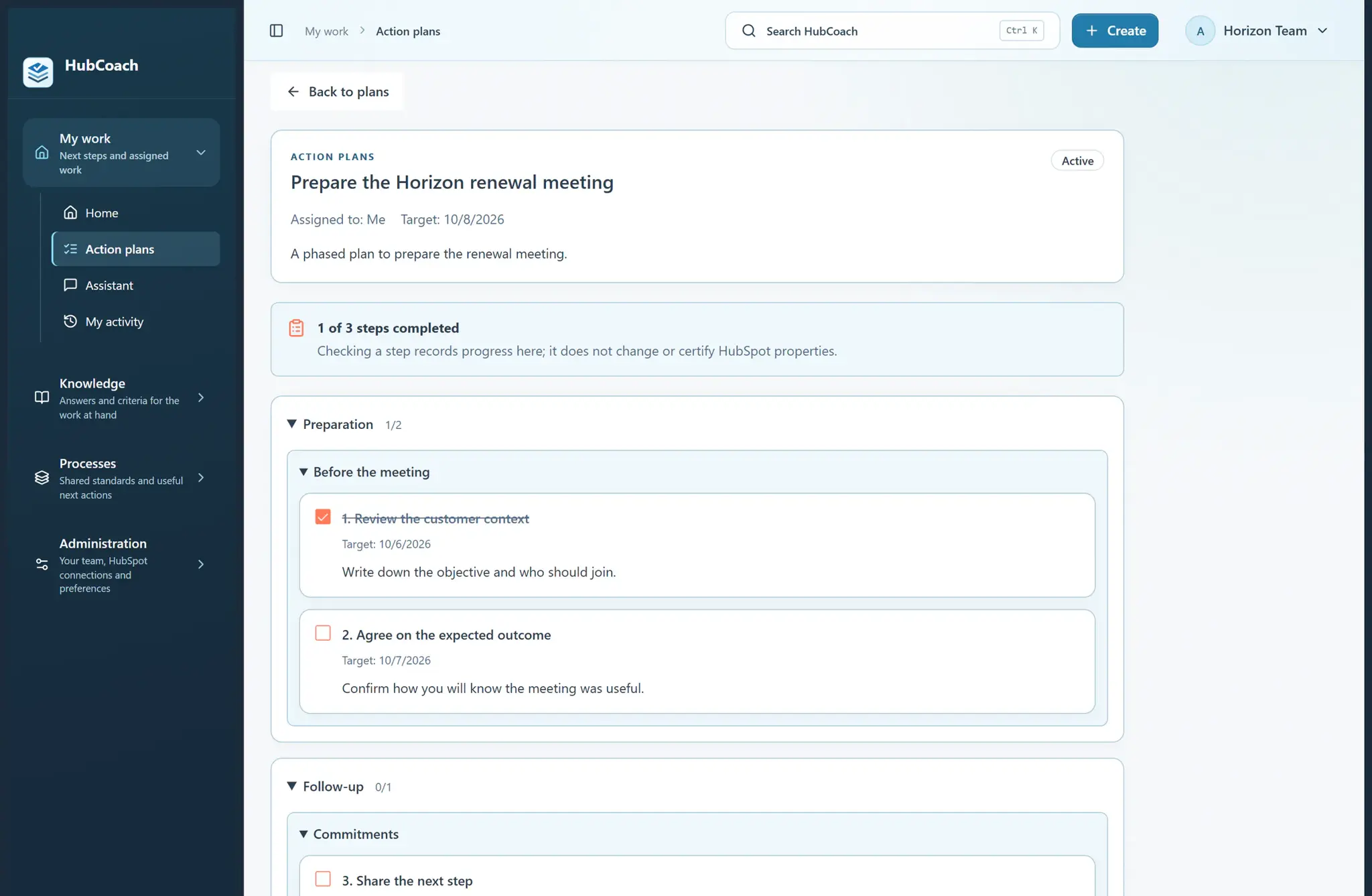
- Open a plan and choose Edit this plan. Update the title, instructions, steps, grouping or target date.
- Review before saving. Changed instructions reopen completed steps; changing only a date, order or grouping preserves completion.
- Expand Plan history to inspect earlier instructions. A source template remains separate from this assigned copy.
What does it look like in practice?
- Example
Add a new renewal review to an existing plan. Its completed unchanged steps stay complete while the new review is pending.