

What are the steps?
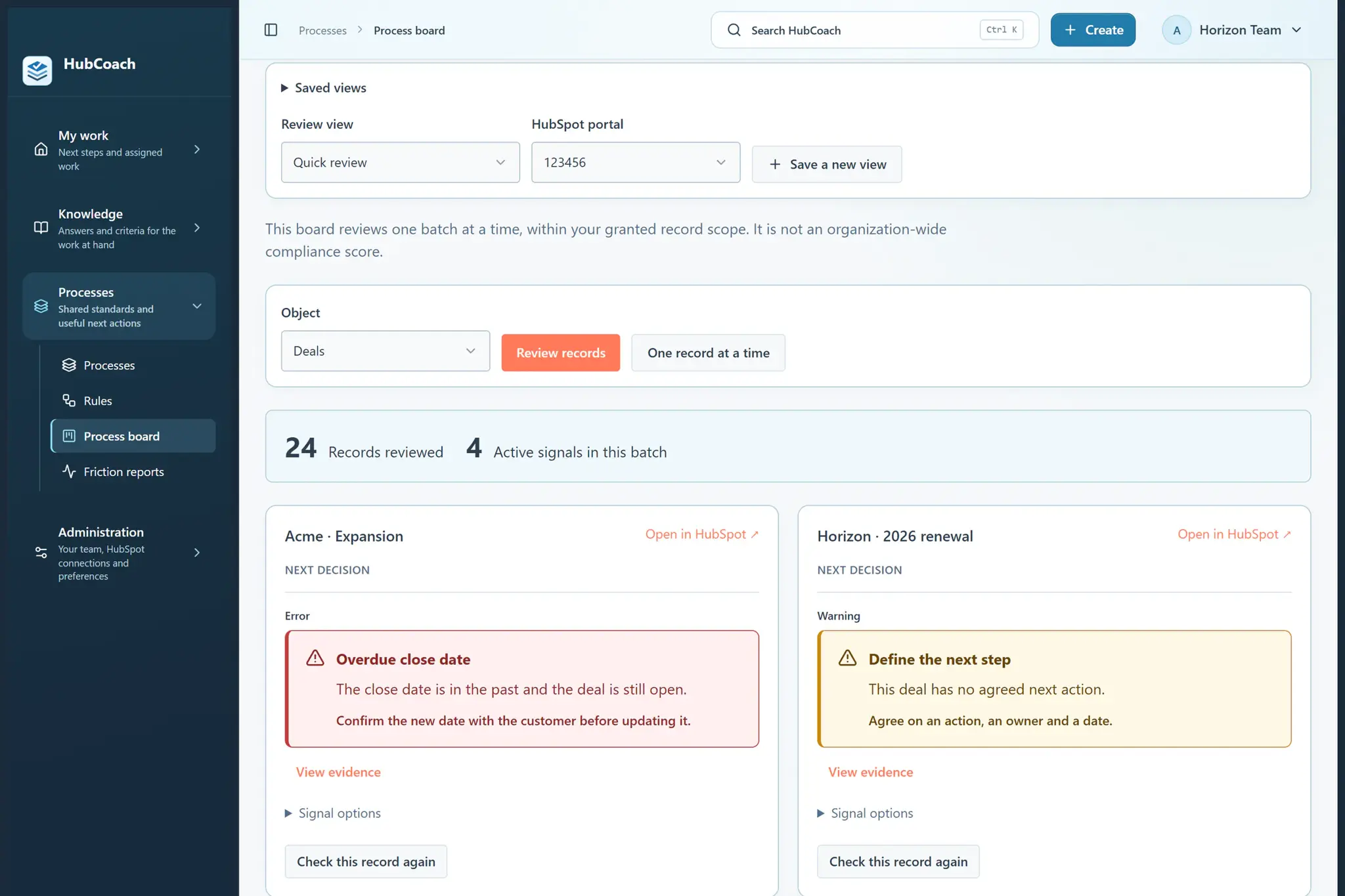
- Open Process board and choose a portal and record type.
- Review records and inspect the evidence of any signal before acting.
- Choose Save a new view, name it and choose private or shared access.
- Select specific published rules or all applicable rules. Choose whether to start one record at a time.
- Save. Use the view selector next time and review a fresh batch.
What does it look like in practice?
- Example
Save “Deals needing follow-up” with the next-step rules that matter for your work.