

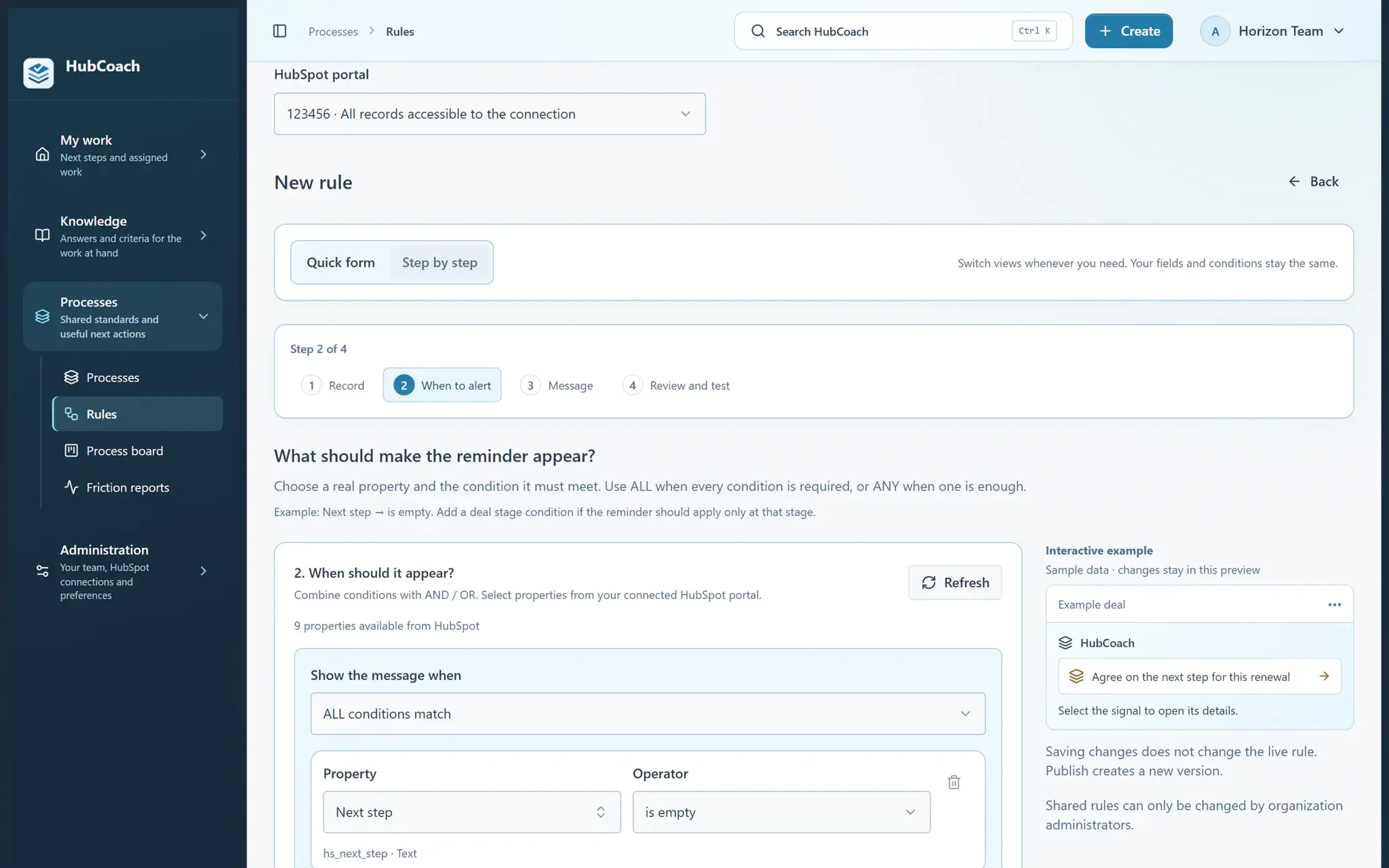
What are the steps?
- Open the rule’s conditions and choose Related records.
- Choose the related record type, such as Companies for a deal.
- Choose none, at least one or every matching record. Leave field filtering off to check whether the relationship exists.
- Enable field filtering to choose real fields on the related record. Combine its checks with AND / OR.
- Test the rule and inspect the related evidence. A partial read cannot prove that no related records exist.
What does it look like in practice?
- Example
A deal can show “Associate the customer’s company” when no company is linked. Another rule can check whether any linked contact has an email.