

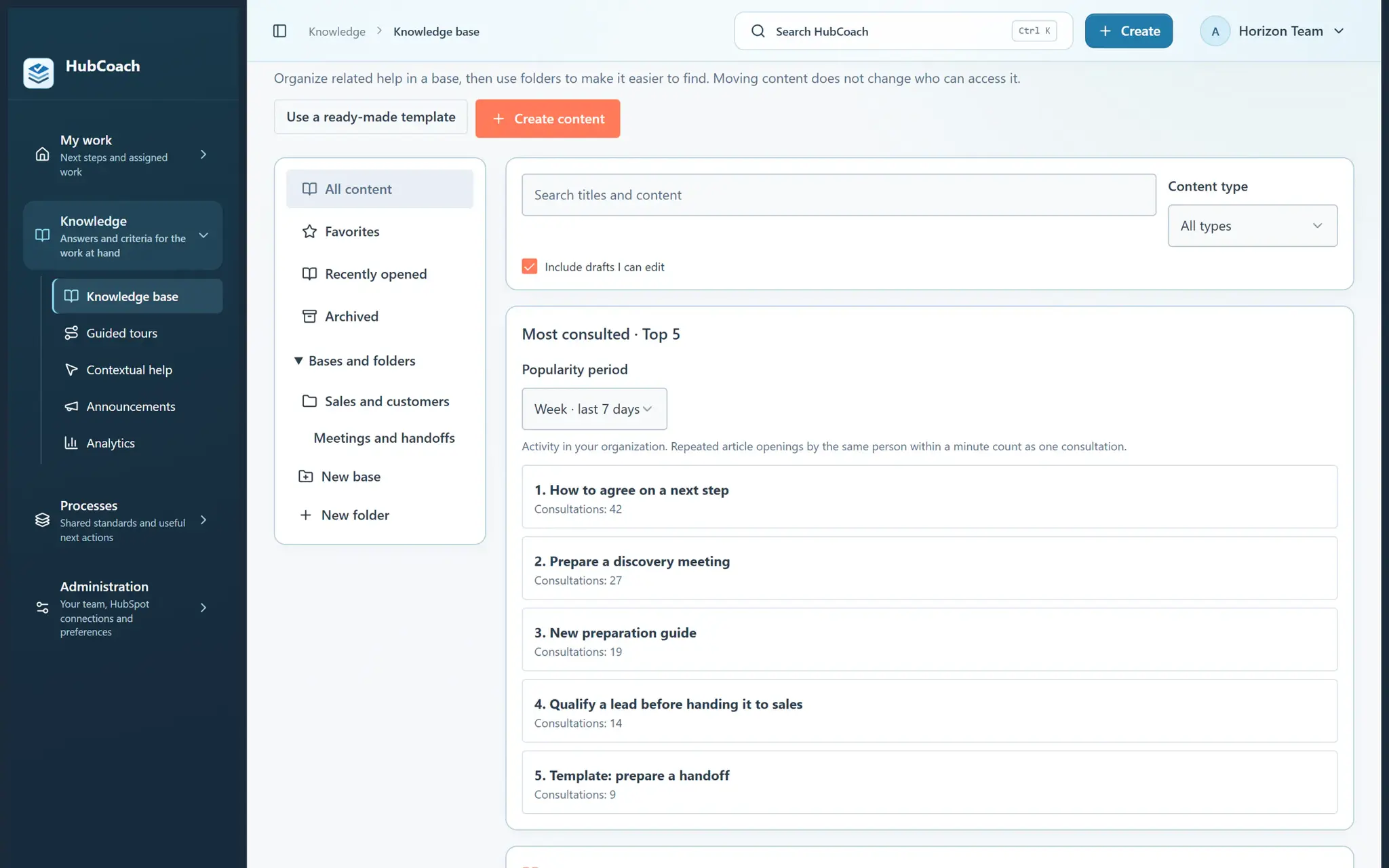
What are the steps?
- Write directly, then select text to apply headings, emphasis, lists or a link with the toolbar.
- Choose Insert, or type / at the start of a line, to find a block. Use a table to compare choices or a collapsible section for extra detail.
- Add a screenshot or GIF using the image button. You can upload PNG, JPG, WebP or GIF images up to 2 MB, or use an HTTPS image link.
- Add a supported video link, a direct audio link or a file/PDF link. Review the preview before saving and check that your readers can access external files.
What does it look like in practice?
- Example
Write a two-line instruction, add a screenshot and put the longer example under “See a good next step”.