

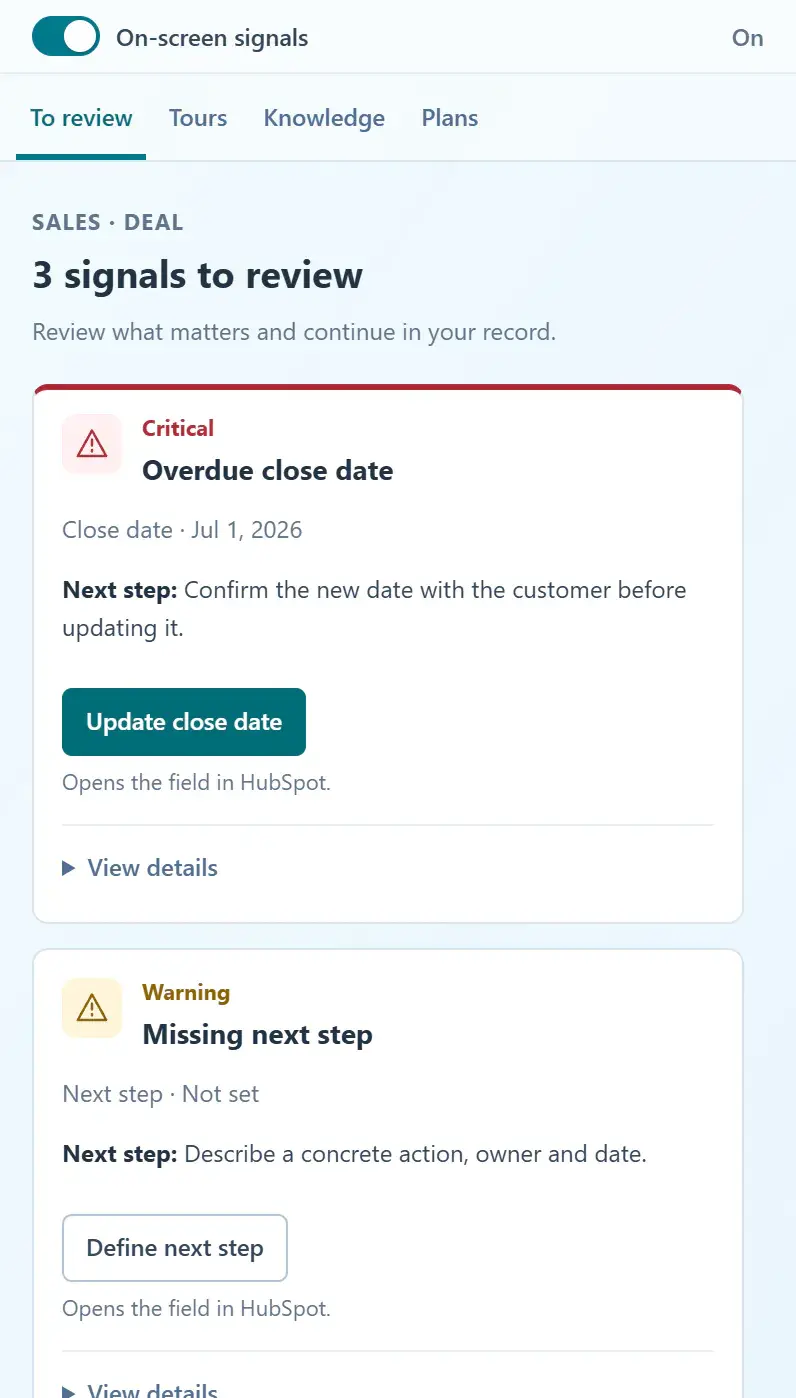
What are the steps?
- Check that HubCoach is connected to the same portal you have open in HubSpot.
- Check that the rule, process or article is published and available to your user.
- A warning appears only when its conditions apply. If you already corrected the record, its absence can be expected.
- Check whether the warning was postponed or hidden, and whether the relevant display location is enabled.
- If the instruction is unclear or a property cannot be edited, use Friction reports to describe what prevented you from continuing.
What does it look like in practice?
- Example
You can see a draft in the web app, but your colleague cannot find it in HubSpot. Publish it and review who has access.